MASK·BEFORE·AI

Protect your privacy before uploading to AI

A free browser extension that intercepts image uploads to AI platforms and lets you redact sensitive areas — before anything leaves your browser.
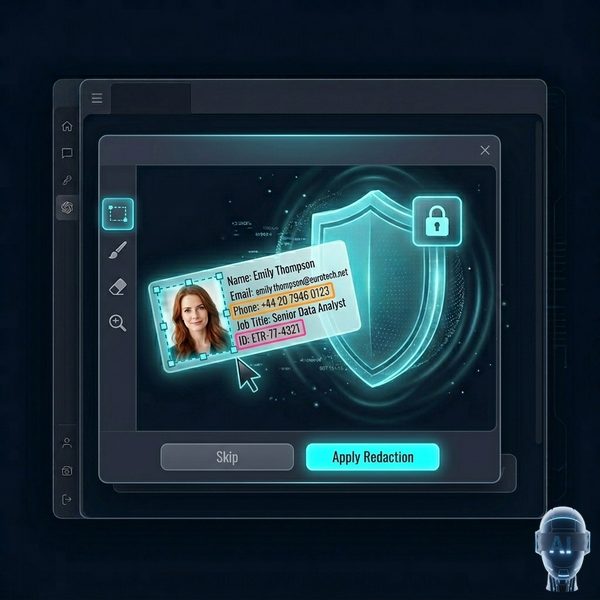
MaskBeforeAI protects sensitive data like emails, passwords, and API keys before uploading to AI

The Problem

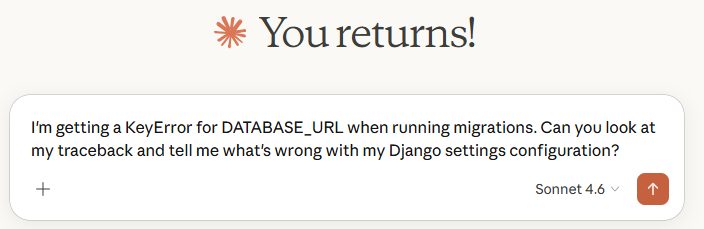
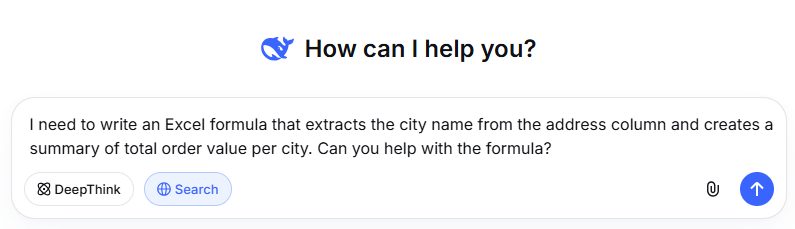
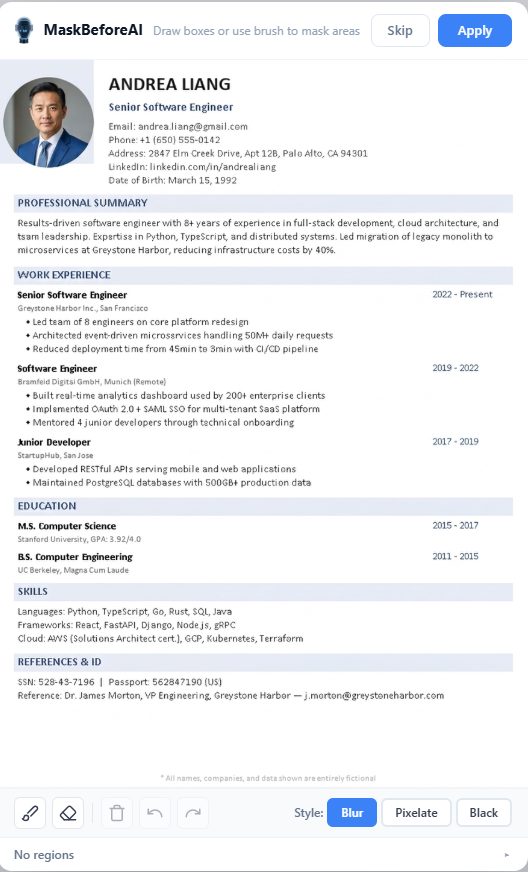
Every day, millions of people upload screenshots to AI chatbots. Those screenshots may contain:

Email addresses
Phone numbers
Passwords
Credit card numbers
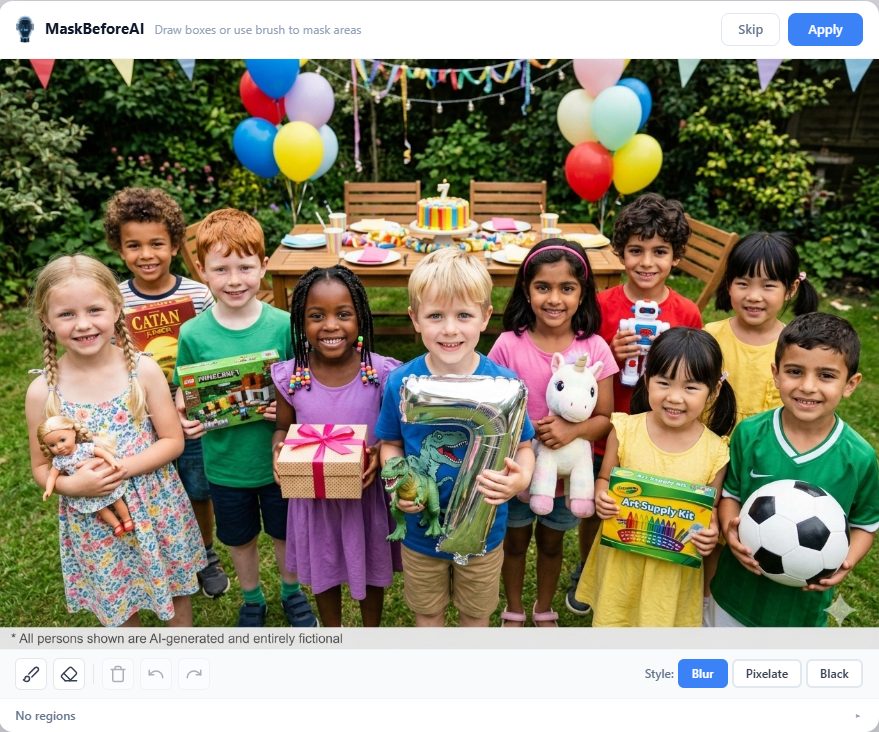
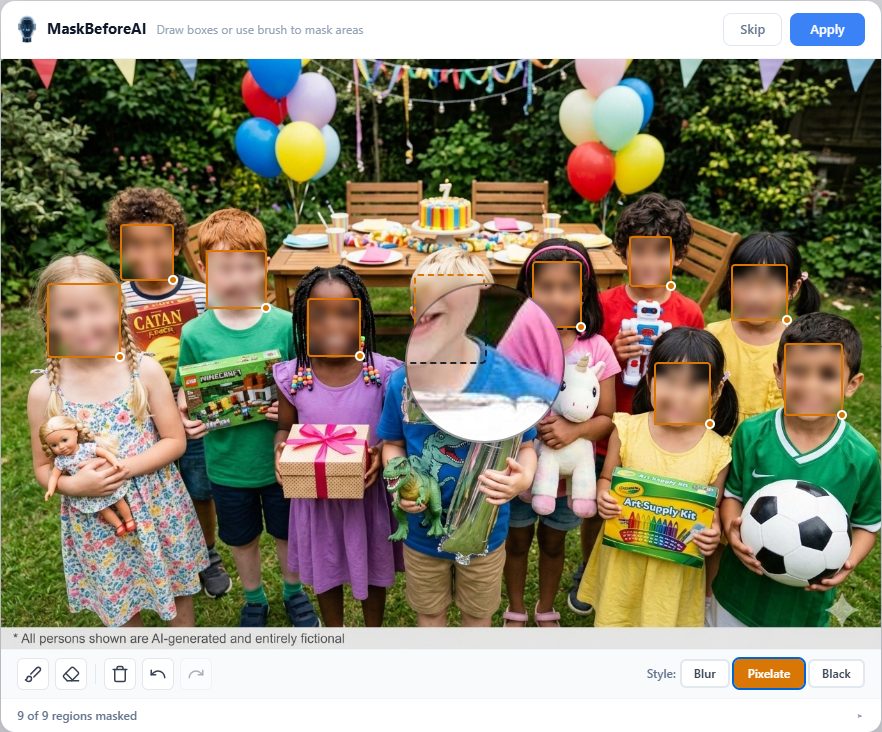
Names and faces
Home addresses
Trade secrets & source code
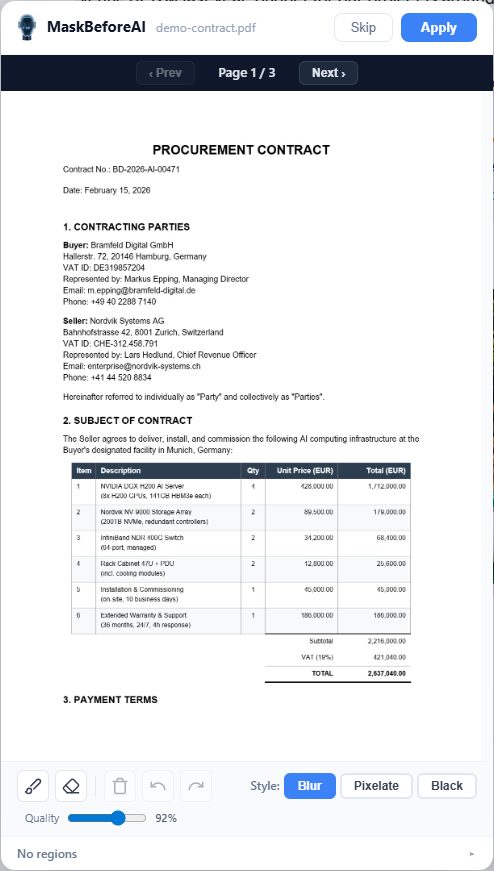
Confidential contracts
Customer & client data
Financial reports & pricing
API keys & credentials
Internal communications

Once uploaded, you lose control. Mask before AI sees it.

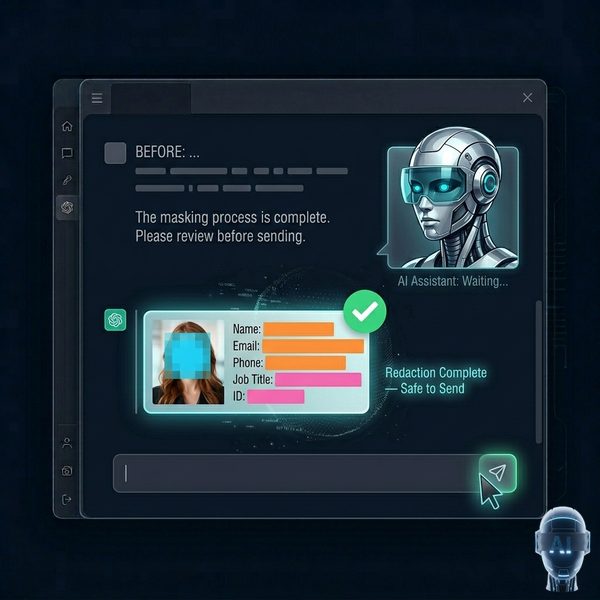
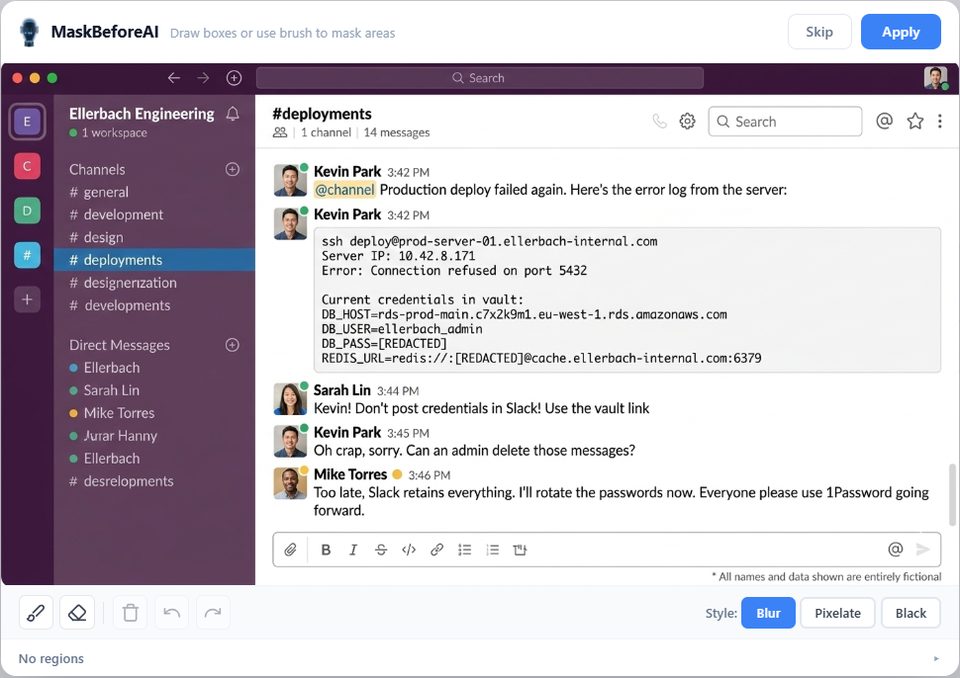
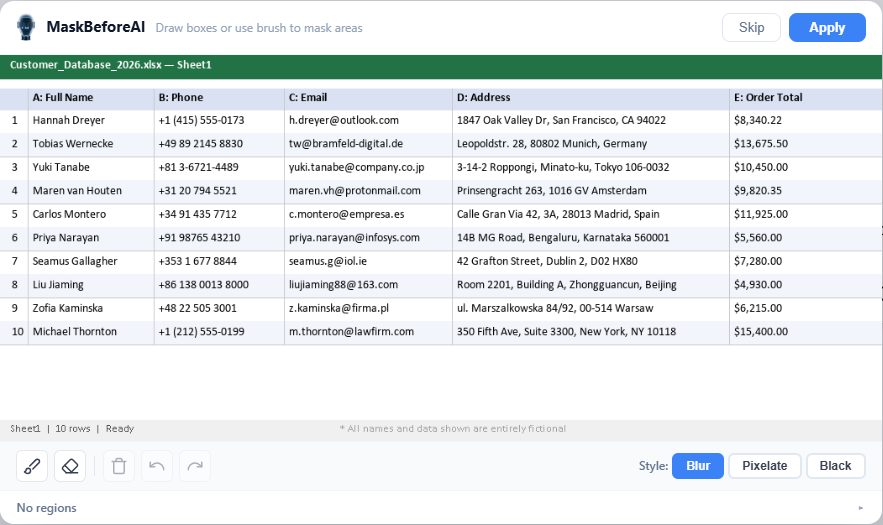
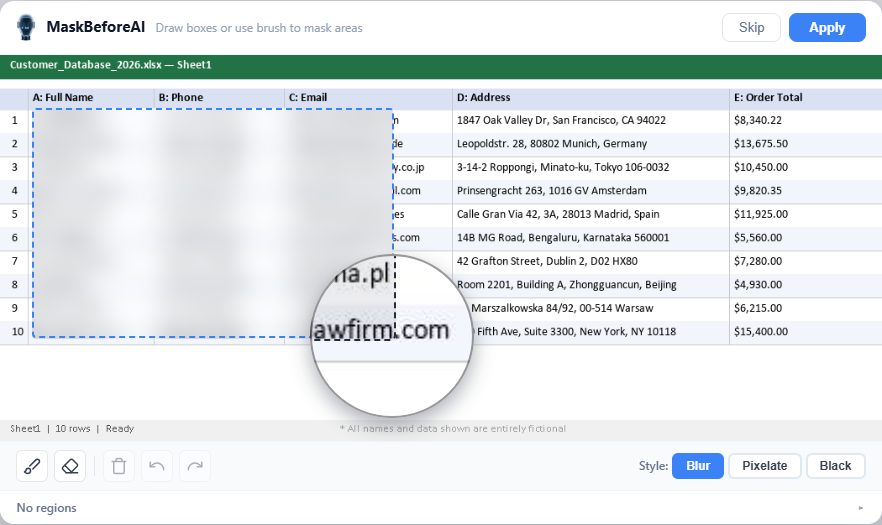
Before and after: sensitive data masked with blur and color blocks

How It Works

1

Intercept

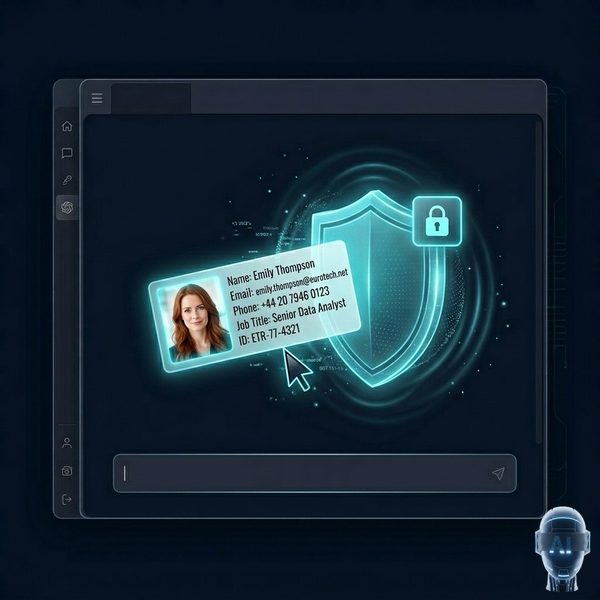
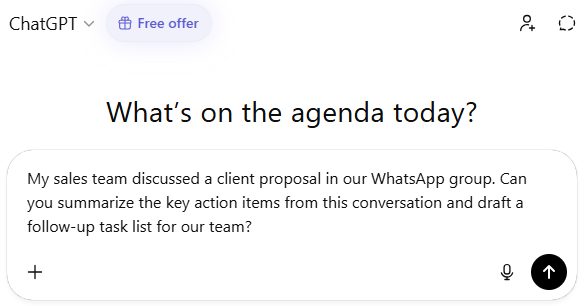
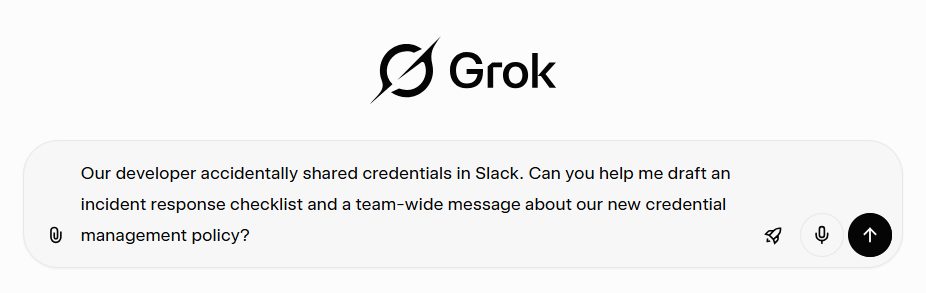
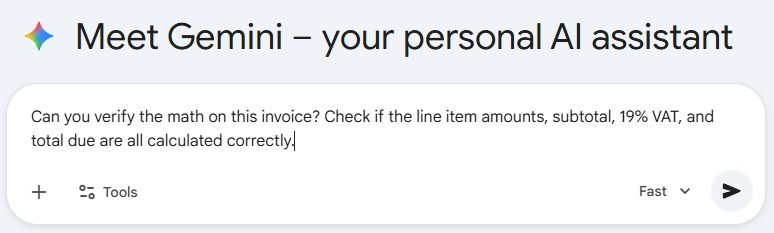
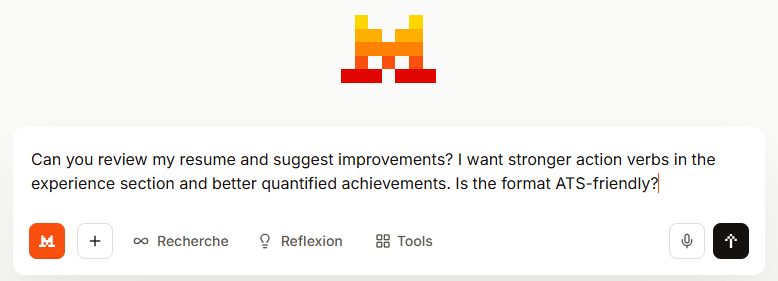
The extension detects when you upload or paste an image on any supported AI platform.

Extension intercepts image upload with a protective shield
2

Review

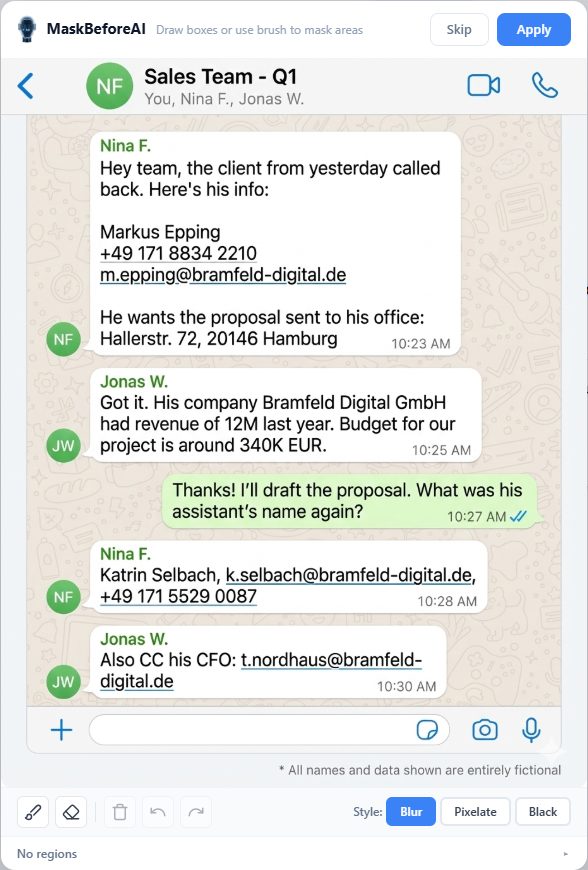
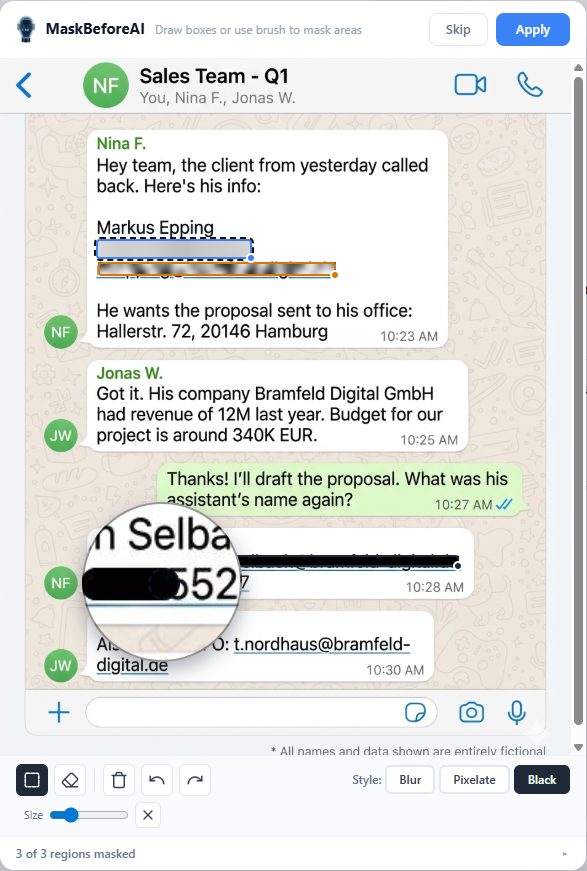
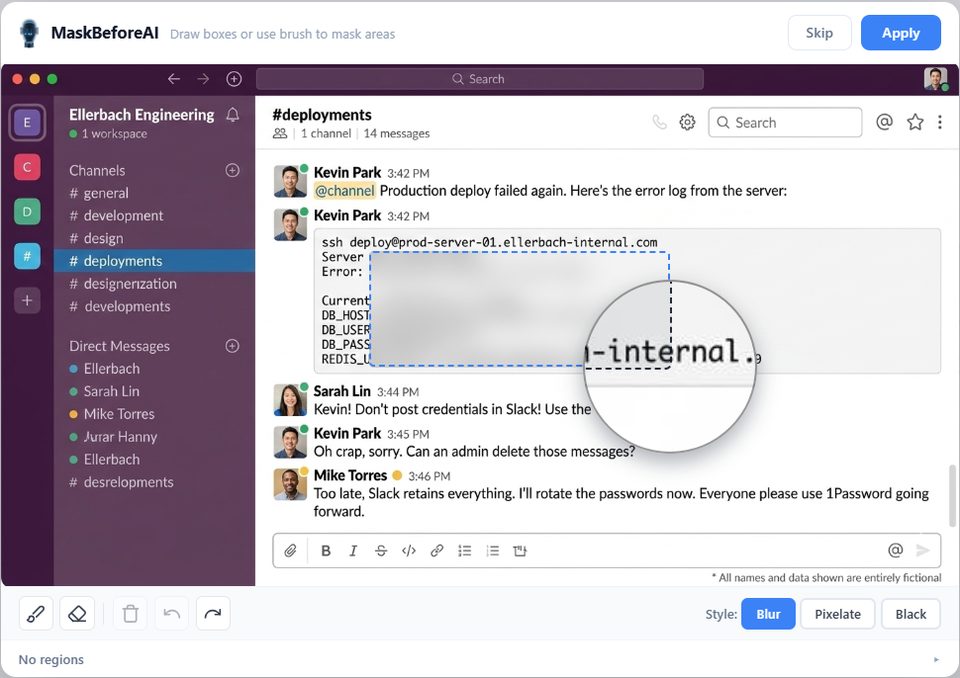
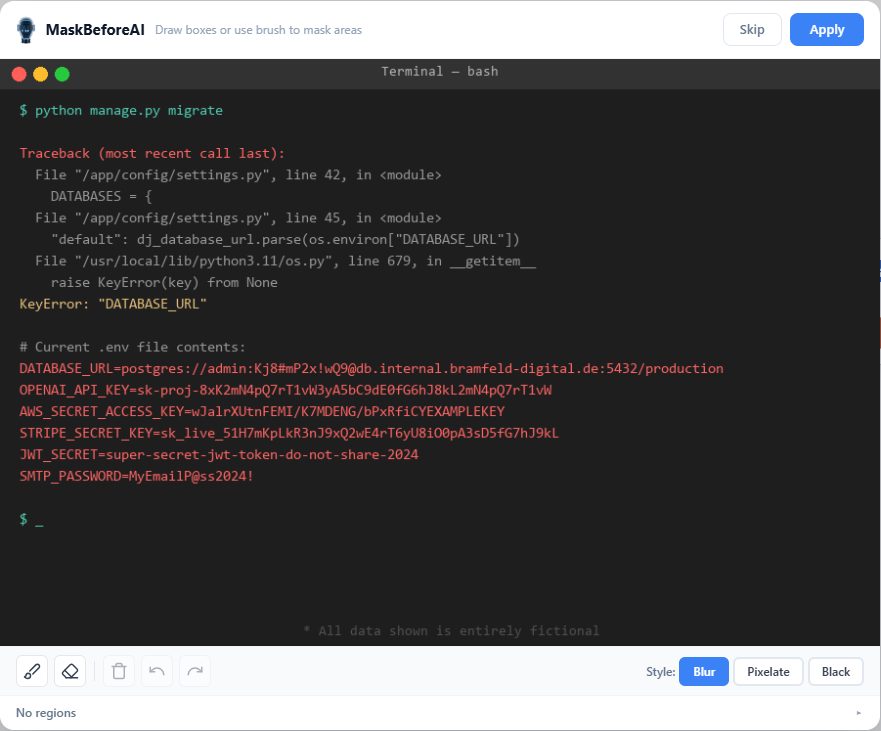
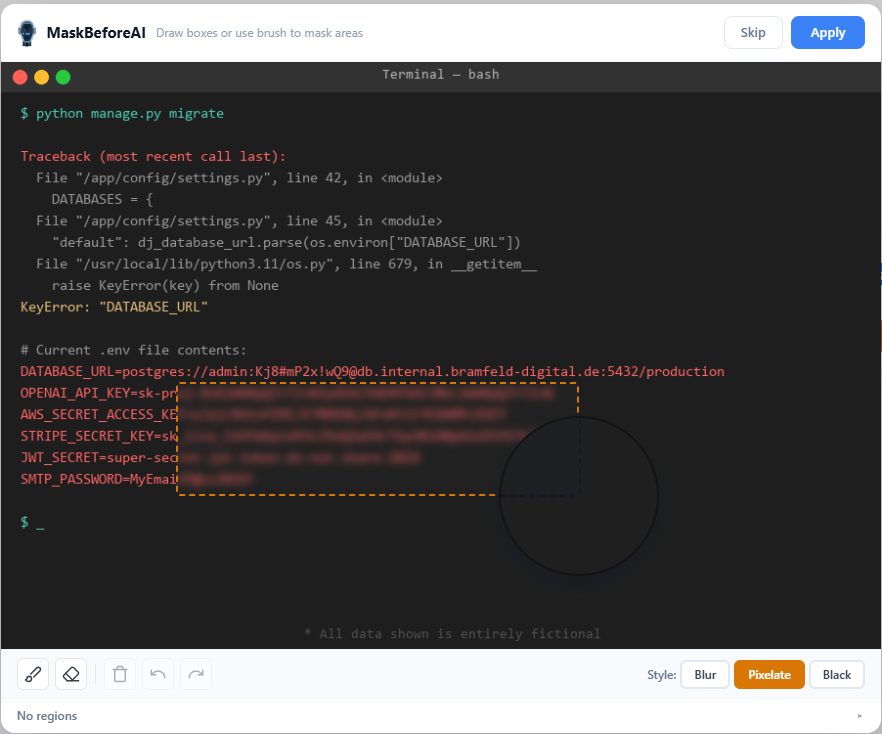
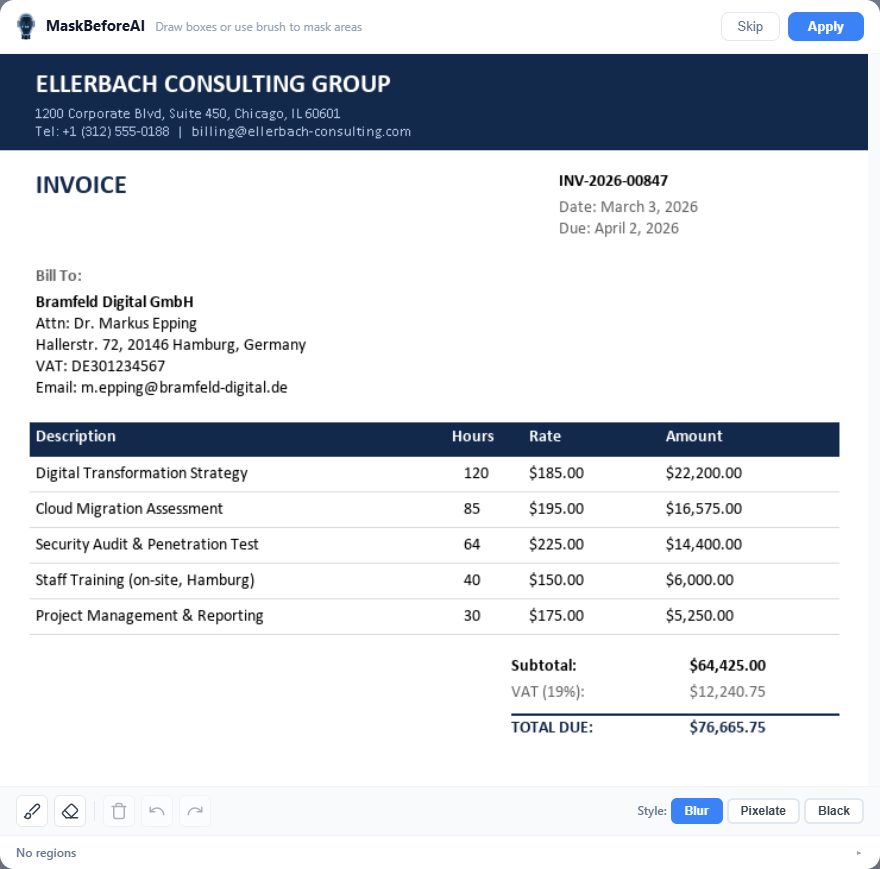
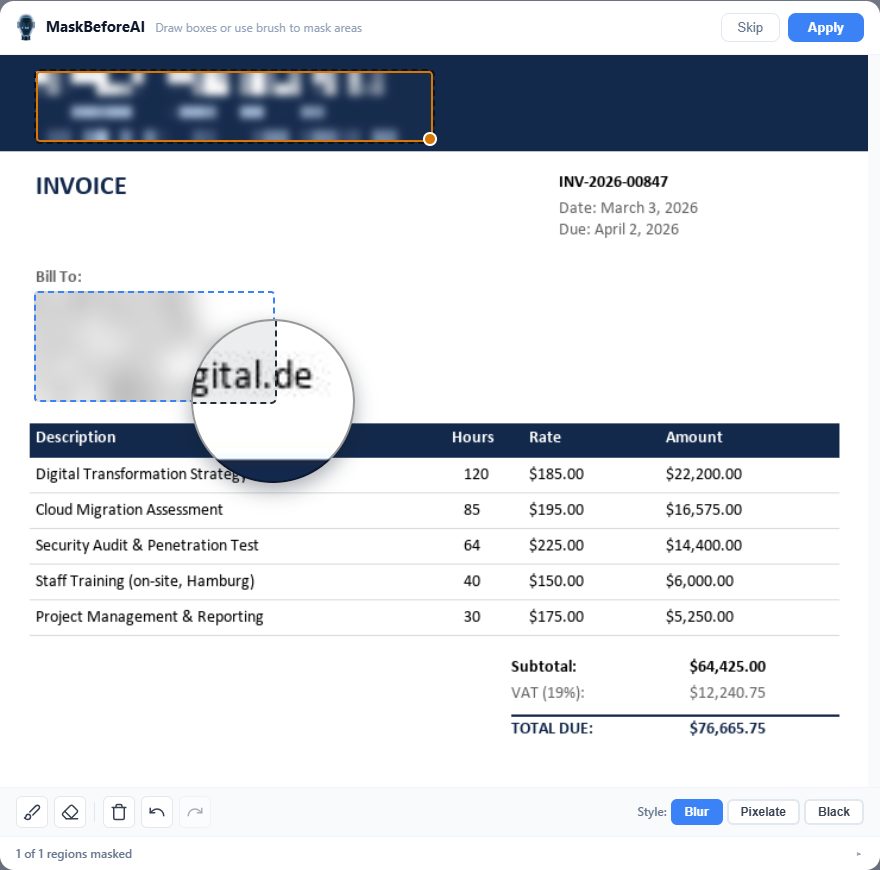
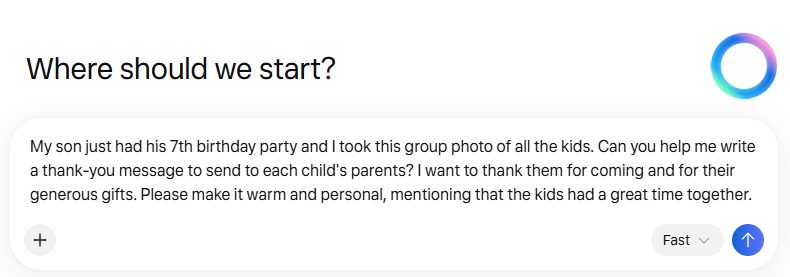
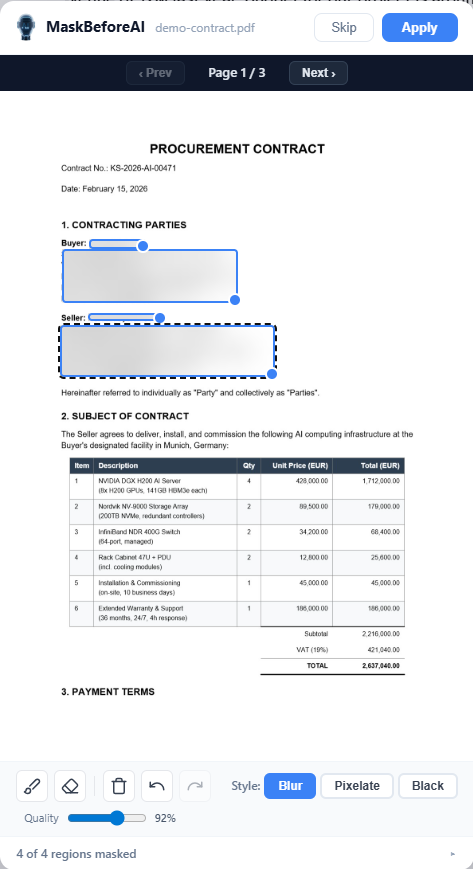
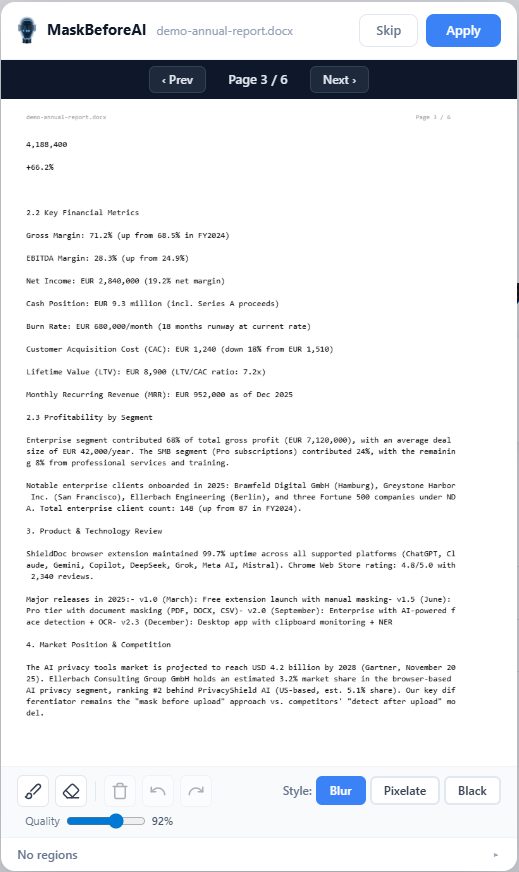
An interactive dialog opens where you draw boxes or use a brush to mark sensitive areas.

User draws masking boxes over sensitive areas in the review dialog
3

Redact

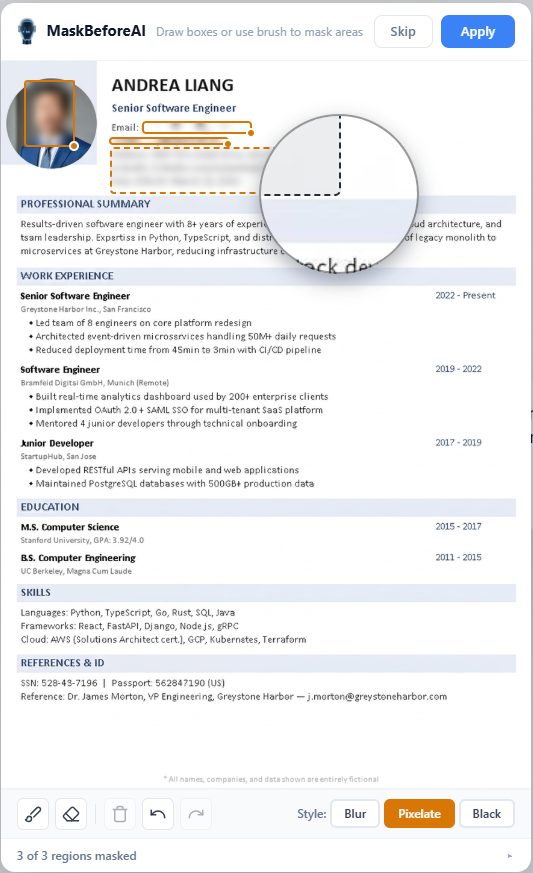
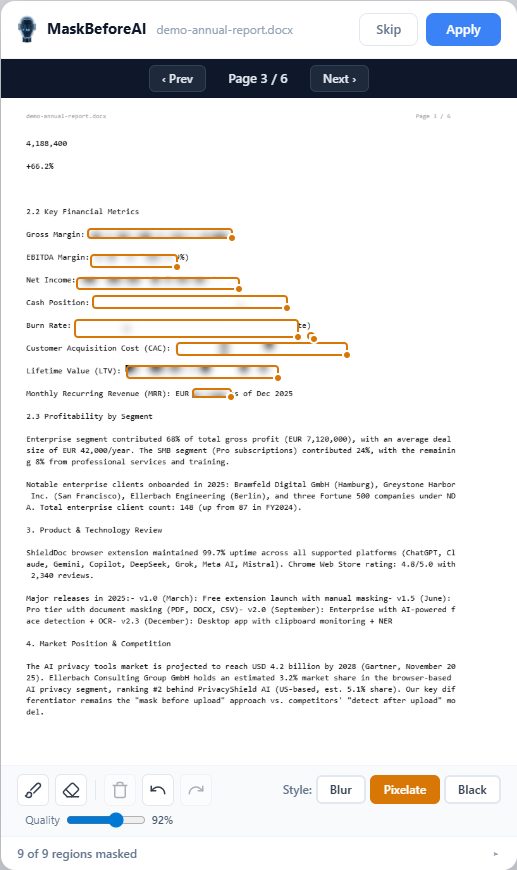
Blur, pixelate, or black-box the marked areas. The masked image replaces the original before upload.

Sensitive areas are masked and the safe image is sent to AI

Supported AI Platforms

Works automatically on the most popular AI chatbots and assistants.

ChatGPT
chatgpt.com
Claude
claude.ai
Copilot
copilot.microsoft.com
Gemini
gemini.google.com
Perplexity
perplexity.ai
DeepSeek
chat.deepseek.com
Grok
grok.com
Meta AI
meta.ai
Mistral
chat.mistral.ai

Masking Modes

Choose how sensitive areas are redacted. All processing happens locally in your browser.
john@example.com john@example.com

Blur

Applies a Gaussian blur filter over the selected region. The content becomes unreadable while preserving layout context.

+49 170 1234567 +49 170 1234567

Pixelate

Downscales and upscales the region to create a mosaic effect. Obscures details while hinting at structure.

DE89 3704 0044 0532 DE89 3704 0044 0532

Black Box

Covers the selected area with a solid black rectangle. The most thorough redaction — nothing is recoverable.

Pricing

Start free. Upgrade when you need document masking.

Free

€0
forever
  • Image masking on 9 AI platforms
  • Blur, pixelate, or black box
  • Box drawing & brush tools
  • Keyboard shortcuts
  • 100% local — nothing leaves your browser
Install Free

Lifetime

€49.99
one-time payment
  • Everything in Pro
  • Pay once, use forever
  • All future Pro updates included
  • No recurring fees
Get Lifetime

Enterprise Edition

For organizations that need AI-powered detection beyond Pro — automatic face detection, OCR, NER, and policy enforcement.

Enterprise team protecting sensitive corporate data before AI upload

Face Detection

AI-powered face detection automatically identifies and masks faces in screenshots.

Named Entity Recognition

Semantic NER detects names, organizations, and addresses within text in images.

High-Speed OCR

Optical character recognition automatically identifies text regions containing PII.

Desktop App

Standalone desktop application with clipboard monitoring and system tray integration.

Policy Signing

HMAC-SHA256 strategy signing ensures redaction policies are tamper-proof and auditable.

Interested in enterprise features for your organization?

Contact Us

Install in 3 Steps

1

Add to Chrome

Visit the Chrome Web Store and click "Add to Chrome" to install the extension.

2

Pin the Extension

Click the puzzle icon in Chrome's toolbar and pin MaskBeforeAI for quick access.

3

Start Masking

Visit any supported AI platform, upload or paste an image, and the review dialog will appear automatically.